
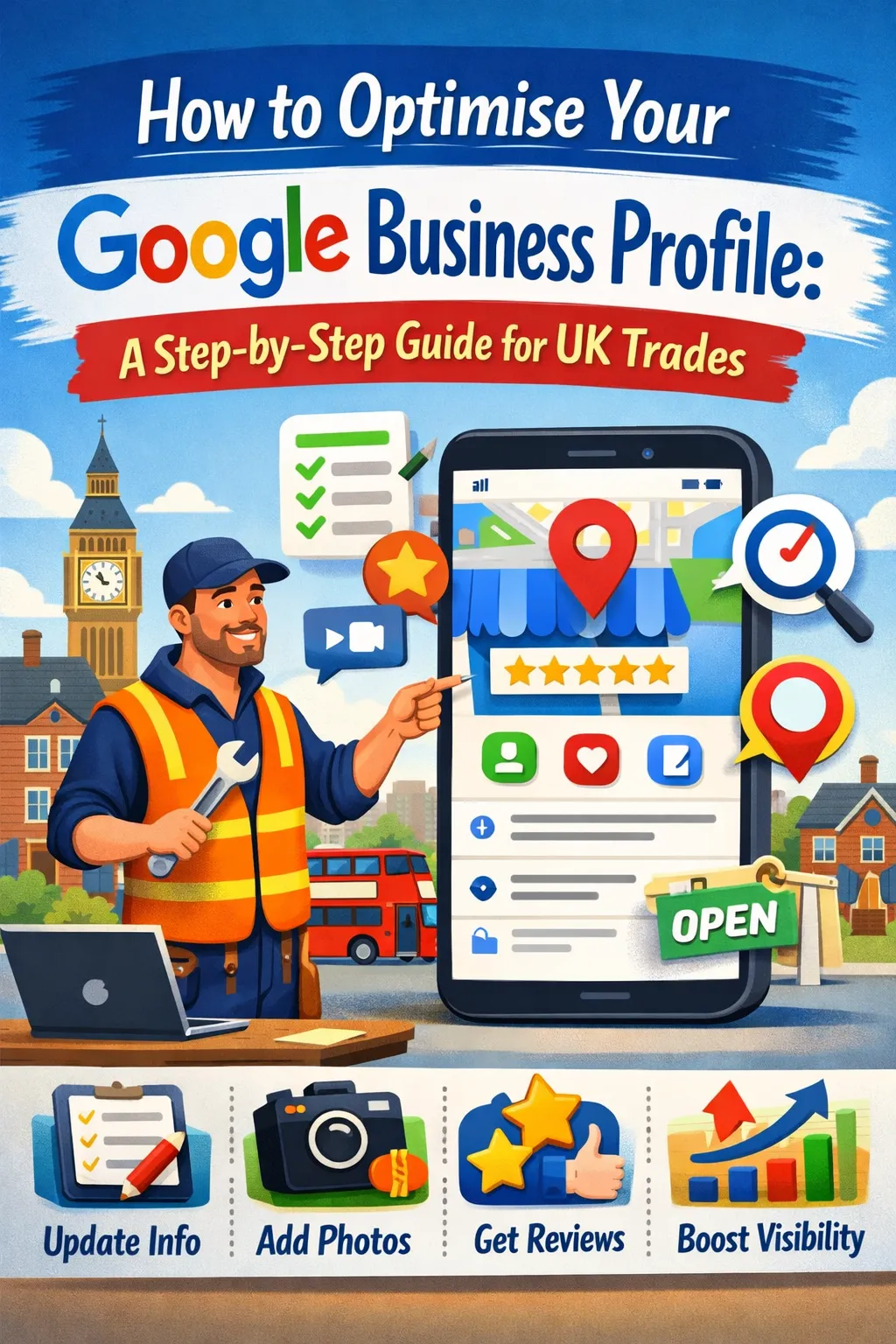
How to Optimise Your Google Business Profile: A Step-by-Step Guide for UK Trades
How to Optimise Your Google Business Profile: A Step-by-Step Guide for UK Trades
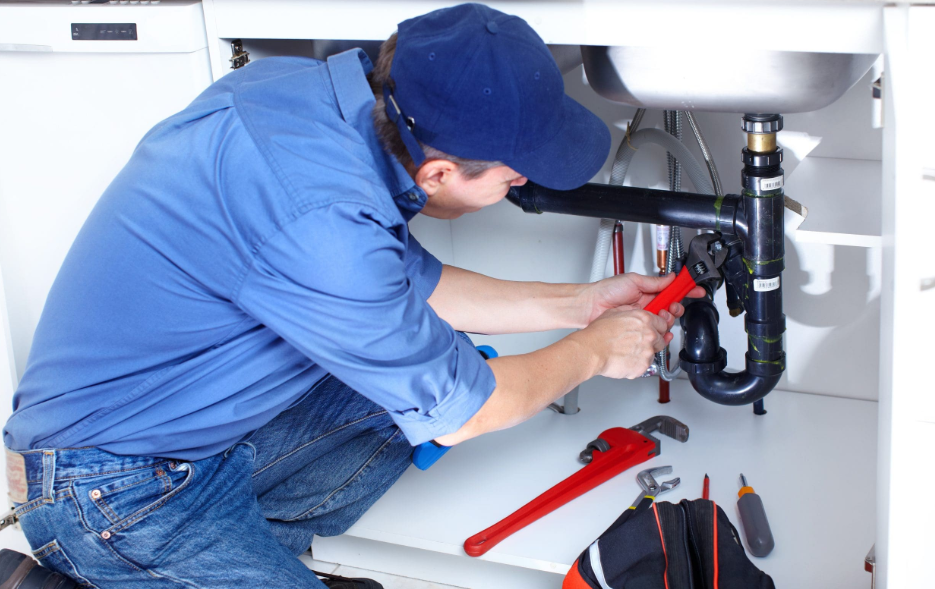
You could be the best plumber in your area — but if your Google Business Profile is half-finished, Google won't show you to the people searching for you right now. Here's exactly how to fix that.
If you're a tradesperson in the UK — a plumber, electrician, roofer, builder, gas engineer — your Google Business Profile (GBP) is arguably the most important piece of marketing you have. More important than a website. More important than social media. More important than word of mouth, because word of mouth doesn't scale the way Google does.
When someone types "emergency electrician in Gateshead" or "boiler repair near me" at 8pm on a Tuesday, they're not scrolling through websites. They're looking at the Local Map Pack — those three businesses that appear at the very top of the results, pinned to the map. If you're not in that pack, you're invisible.
The good news: most trades businesses have a Google Business Profile that's doing the bare minimum. That means there's a real opportunity to get ahead simply by doing the basics properly. This guide walks you through every step.
Step 1: Claim and Verify Your Profile
Before you can optimise anything, you need to own it.
Go to google.com/business and search for your business. If a profile already exists — which it often does, even if you've never created one — claim it. If it doesn't exist, create one from scratch.
Once claimed, you'll need to verify your business. Google typically does this by sending a postcard to your registered business address with a verification code. This can take 1–2 weeks. Some accounts are eligible for phone or email verification, which is faster. Don't skip this step — an unverified profile won't rank.
Common issue for trades: If you work from home or don't have a commercial premises, you can still have a GBP. Just create it as a service-area business — which means you hide your address and instead define the areas you cover. This is perfectly fine for sole traders and small trades outfits.
Step 2: Choose the Right Business Category
Your primary category is one of the most important ranking signals in your entire profile. Google uses it to decide which searches you're relevant for. Get it wrong and you'll rank for the wrong things — or nothing at all.
When you set up or edit your profile, choose your primary category to match exactly what you do. For example:
Plumber → Plumber
Electrician → Electrician
Gas engineer → Gas engineer or Heating contractor
Roofer → Roofing contractor
General builder → Building contractor or Construction company
Then add secondary categories to cover additional services. A plumber who also handles bathroom fitting might add Bathroom remodeler. An electrician who does EV charger installation might add Electric vehicle charging station.
Don't stuff in every category you can think of. Stick to ones that genuinely reflect services you offer. Irrelevant categories can actually dilute your rankings.
Step 3: Write a Keyword-Rich Business Description
Your business description (up to 750 characters) doesn't directly affect rankings — but it does influence whether people click on your profile after they've found it. Think of it as your pitch.
Write it in plain English, from the perspective of a customer. Include:
What you do
Where you cover
How long you've been trading
Any key differentiators (24/7 call-out, fully qualified, Gas Safe registered, NICEIC approved, etc.)
A natural mention of your core keywords
Example for a plumber:
"We're a fully qualified, Gas Safe registered plumbing and heating company covering Newcastle, Gateshead and the wider Tyne & Wear area. With over 12 years of experience, we handle everything from emergency call-outs and boiler repairs to full bathroom installations. Available 7 days a week with same-day appointments. No call-out fee for local jobs."
Notice how it mentions location, services, qualifications and availability — all without reading like a keyword list. That's the balance you're aiming for.
Step 4: Make Sure Your NAP Is Consistent
NAP stands for Name, Address, Phone number. It sounds obvious, but this trips up a huge number of trades businesses.
Google cross-references your business details across the web — your GBP, your website, Facebook, Checkatrade, Rated People, Yell, and dozens of other directories. If any of these differ, even slightly, it creates a trust signal problem. Google doesn't know which version to believe, so it hedges and ranks you lower.
Things to watch for:
"Ltd" vs "Limited" vs nothing
"Street" vs "St"
Different phone numbers on different platforms (landline vs mobile)
Old addresses from previous premises
Trading name vs registered company name
Create a master document with your exact business name, address and phone number — formatted exactly as you want them to appear — and check every platform matches it. This is boring, unglamorous work. It also makes a genuine difference to your rankings.
Step 5: Add Your Services Properly
Most trades profiles have a list of services that was either left blank or filled in half-heartedly. This is a mistake.
In your GBP dashboard, go to Services and add every service you offer, with a proper description for each one. This isn't just for show — Google uses service data to match your profile against relevant searches.
For a plumber, that might include:
Boiler installation
Boiler repair and servicing
Central heating installation
Radiator repair
Emergency call-out
Bathroom fitting
Leak detection
Pipe repair
Landlord gas safety certificates
For each service, write a short description (1–2 sentences) that naturally includes keywords. "We install and replace gas and combi boilers from all major brands, including Worcester Bosch, Vaillant and Baxi, across Gateshead and Newcastle."
Take your time with this. A fully built-out services section is something most competitors haven't bothered with, which means it's low-hanging fruit.
Step 6: Upload High-Quality Photos — Regularly
Google's own data shows that profiles with photos receive significantly more direction requests and website clicks than those without. For trades businesses, photos do something else too: they build trust before someone has even spoken to you.
What to upload:
Your van (ideally branded)
Work in progress shots
Completed jobs (with permission)
Before and afters
Your team or yourself on the job
Any certifications or accreditations displayed visually
Aim for at least 10 photos to start with, and keep adding new ones regularly — once or twice a month is ideal. Google appears to reward profiles that show consistent activity.
Avoid stock photos. They look generic and they don't build the local trust signals that real job photos do. A slightly grainy photo of a bathroom you just tiled in Jesmond is worth ten times more than a polished stock image.
Step 7: Get Reviews — and Respond to All of Them
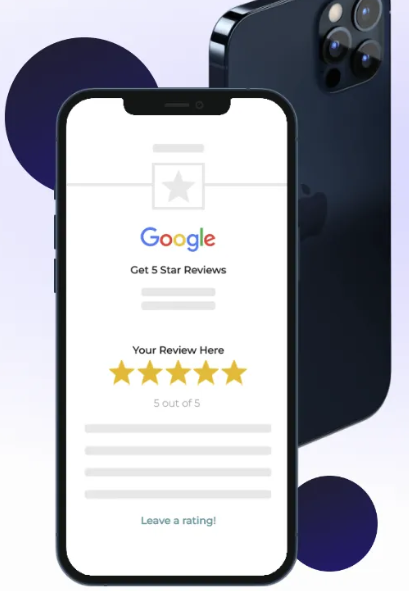
Reviews are one of the three core ranking factors for the Local Map Pack (alongside relevance and proximity). Volume matters, recency matters, and whether you respond matters.
The most effective way to get reviews is simply to ask. Most customers won't think to leave one unless you prompt them. The easiest prompt is a direct link — go to your GBP dashboard, find the "Get more reviews" option, and it'll generate a short URL you can send via text or WhatsApp straight after finishing a job.
A simple message that works:
"Thanks for having us out today — really appreciate it. If you've got 2 minutes, a Google review would mean a lot: [link]. Hope everything's working perfectly."
That's it. No begging, no desperation. Just a friendly ask at the right moment.
On responding: reply to every review, positive and negative. For positive reviews, keep it genuine and mention the specific job or location where possible — this adds keyword context. For negative reviews, stay calm, acknowledge the issue, and offer to resolve it offline. How you handle a bad review tells potential customers more about you than the bad review itself.
Step 8: Post Regular Google Business Profile Updates
Most trades businesses don't know this feature exists. You can publish posts directly to your GBP — like a social media post that appears on your profile in search results. These posts can include offers, job updates, news, or seasonal reminders.
Examples:
"Boiler service deals this October — book before the cold sets in"
"Just finished a full bathroom refit in Low Fell — check out the photos"
"Now Gas Safe registered for commercial properties as well as residential"
Posts expire after 7 days (Offer posts stay up longer), so post at least once a week if you can manage it. It signals to Google that your business is active, and it gives customers something extra to look at when they land on your profile.
Step 9: Keep Your Hours Accurate
This one seems minor. It isn't.
If someone calls during your listed opening hours and gets no answer, they leave a bad review. If Google shows you as open when you're closed, you lose trust — both with customers and with the algorithm. During bank holidays, Christmas, and any time your availability changes, update your hours.
GBP lets you set special hours for specific dates so you don't have to remember to change them back. Use it.
Step 10: Monitor Your Profile for Spam and Suggested Edits
Google allows members of the public to suggest edits to your business profile. In most cases this is harmless, but occasionally a competitor or a bot can suggest incorrect information — changing your phone number, category or address.
Check your GBP dashboard regularly. Look at the "Insights" tab to see how many people are viewing and clicking your profile, and look at the "Info" tab to make sure everything still appears as you set it.
There's also a problem specific to the Local Map Pack called spam listings — fake or duplicate listings that appear for your search terms with keyword-stuffed business names like "Newcastle Emergency Plumber 24/7 No Call Out Fee". These are against Google's guidelines and can be reported via the "Suggest an edit" function on the spam listing.
Putting It All Together
Done properly, a fully optimised Google Business Profile can move you from invisible to the top 3 within 90 days. That's not a promise made lightly — it's what we see happen when the fundamentals are executed consistently and completely.
The steps above aren't complicated, but they do take time and ongoing attention. Most trades businesses don't have either in abundance.
If you'd rather hand this off to people who do it every day, Studio Sable's Local SEO packages cover everything in this guide and more — GBP optimisation, citation building, review systems, and a guaranteed top-3 ranking within 90 days.
Book a free local SEO audit and find out exactly where you stand.


